Read
See what is on the page and understand it, from a long article to a messy form.
IEEE Student Branch · IIIT Sonepat
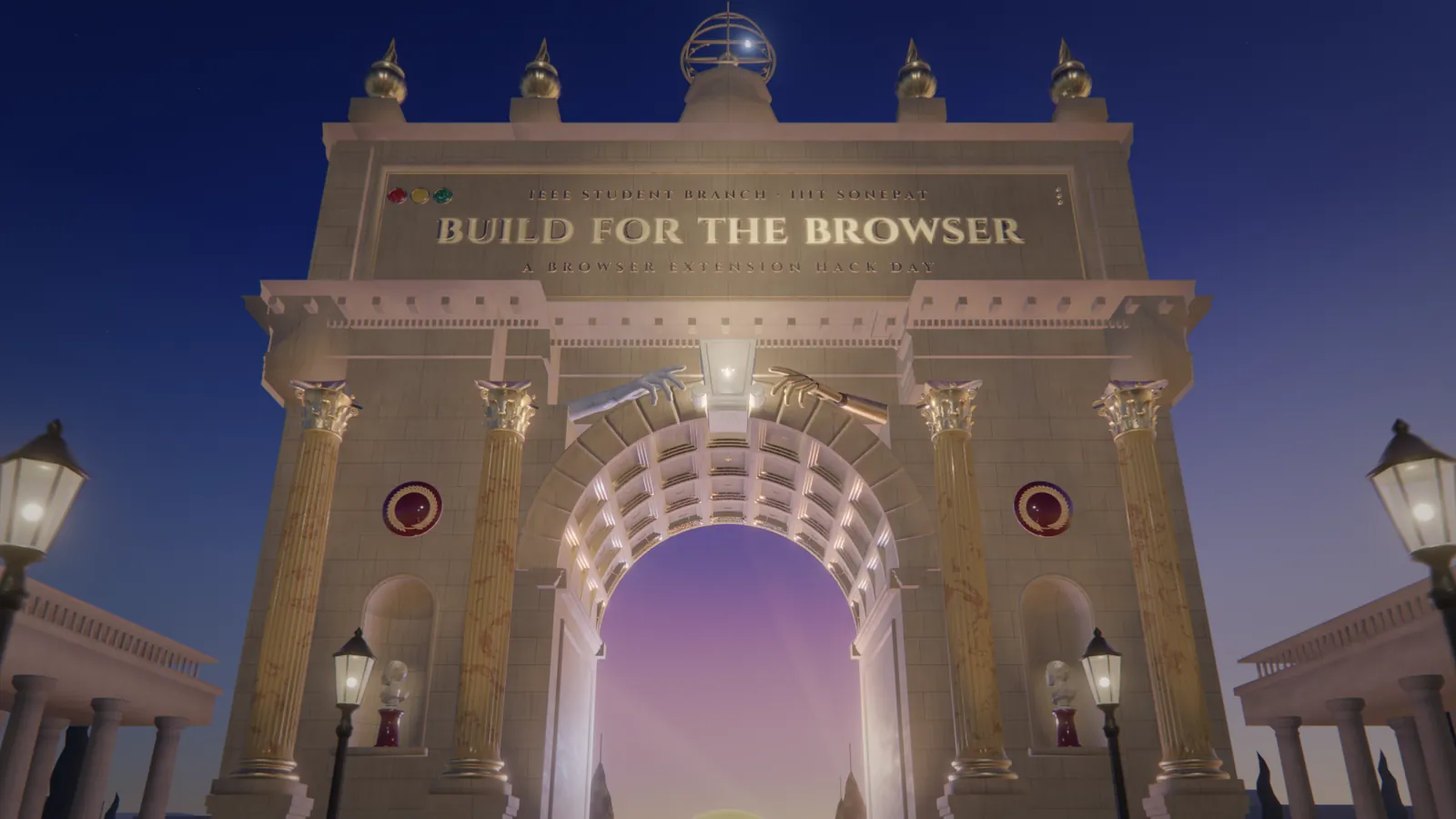
Build for the Browser
A one-minute film. Best with sound.
IEEE Student Branch · IIIT Sonepat
A one-day browser extension hackathon
You already live in the browser.
IThe Idea
Every site you open was built by someone else. A browser extension is how you change it. It can read a page, reshape it, connect it to your tools or bring AI into it, right where people already work.
of desktop browser use in India is Chrome, where your extension can run.StatCounter Global Stats, India, October 2026
See what is on the page and understand it, from a long article to a messy form.
Change how any site looks and behaves, and add the feature it was always missing.
Link the page to your tools, your data and AI models without leaving the tab.
IIThe Challenge
Choose one real problem and ship a working browser extension that solves it. Small and useful beats big and unfinished.
MLH prize category
Bring Gemini into your extension and use it to do something genuinely helpful, right inside the page.
Need a spark?
A study companion that turns any long article into flashcards.
Any further prize details will be published on the MLH event page.
IIITry It
This is a small sandbox of what your project could do. Nothing leaves this page.
Engineering history
Roman aqueducts carried water into cities using gravity alone. Engineers kept a slight, steady downhill slope over long distances, and most of each route actually ran underground.
The famous stone arches were built only where a channel had to cross a valley or low ground.
At the end of the line, tanks and distribution basins sent the water on to fountains, baths and homes.
IVFirst Build
Never built one? Start here. Page Lens shows the word count and reading time of any page.
{
  "manifest_version": 3,
  "name": "Page Lens",
  "version": "1.0",
  "description": "Shows the word count and reading time of any page.",
  "action": {
    "default_popup": "popup.html",
    "default_title": "Page Lens"
  },
  "permissions": ["activeTab", "scripting"]
}
<!doctype html>
<html>
<head>
<meta charset="utf-8">
<style>
body { width: 220px; margin: 16px; font: 14px system-ui; }
h1 { margin: 0 0 8px; font-size: 16px; }
</style>
</head>
<body>
<h1>Page Lens</h1>
<p id="result">Reading this page…</p>
<script src="popup.js"></script>
</body>
</html>const result = document.getElementById("result");
async function readPage() {
const [tab] = await chrome.tabs.query({ active: true, currentWindow: true });
// Run a small function inside the page you are viewing
const [{ result: words }] = await chrome.scripting.executeScript({
target: { tabId: tab.id },
func: () => document.body.innerText.trim().split(/\s+/).length,
});
const minutes = Math.max(1, Math.round(words / 200));
result.textContent = `${words} words · ${minutes} min read`;
}
readPage().catch(() => {
result.textContent = "Open a normal web page and try again.";
});VThe Day
Arrive at the venue and check in through MLH.
Take your idea from an empty folder to a working extension.
Hand in your project and make sure it runs.
Show what you built and see what everyone else made.
Exact timings and venue details will be shared with registered hackers.
0 of 6 done
VIQuestions
No. Extensions are new to most students. If you know a little HTML, CSS and JavaScript, the three-file starter on this page will get you going.
Thursday, 26 November 2026, in person in Sonepat, Haryana. Exact timings and venue details will be shared with registered hackers.
Register through the official MLH event page.
A working browser extension that solves a real problem. Short on ideas? Try the idea generator.
Best Use of the Google Gemini API is an MLH prize category for this event, for projects that put the Gemini API to work.
Your laptop and charger. It helps to have Chrome installed and the starter extension loaded before you arrive.
Yes. Please read the MLH Code of Conduct before the event.